From camera card to SSD: SD and CFexpress speed classes
SD and CFexpress cards use speed classes to guarantee a minimum sustained write speed, which is essential for video recording. The same classes also indicate the sequential access performance available when offloading footage to a computer or portable SSD. Matching the card's class to the reader and destination device avoids bottlenecks during large file transfers.
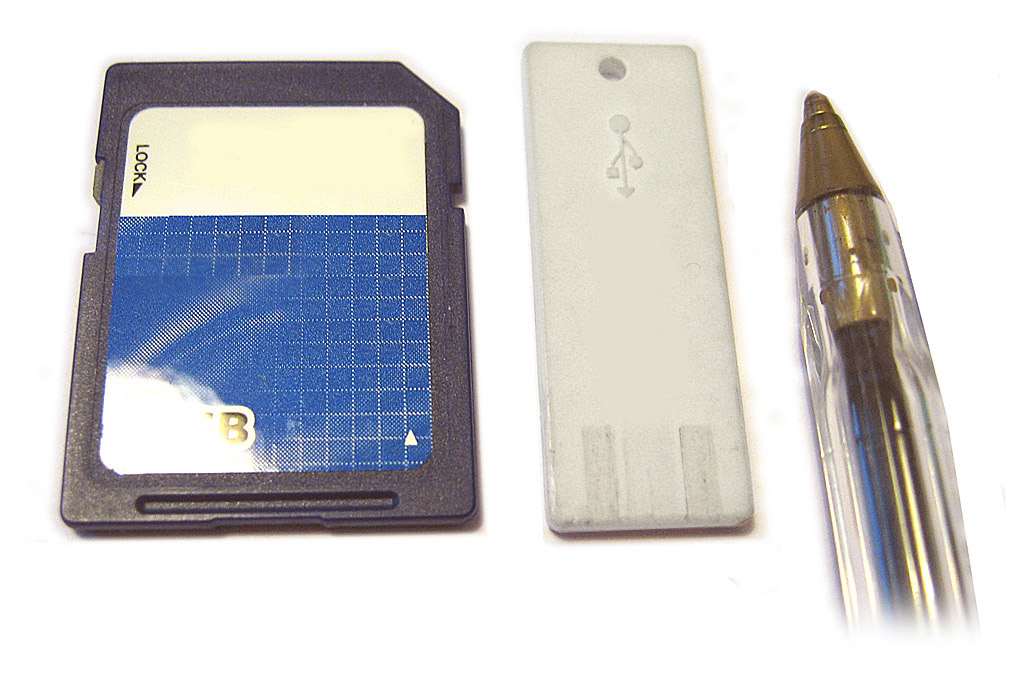
Speed classes and reliable footage handling
Video recording requires a constant minimum write speed to avoid frame drops during playback. The SD Association defines speed classes that guarantee a minimum sequential access performance for both writing and reading, which is important for reliable video capture and later offloading. SD Association's speed class overview
These speed classes apply to any application that needs a sustained transfer rate, including copying footage from a card to a computer or SSD. The minimum write speed assures consistent performance even when multiple files are accessed sequentially. For offloading, the card must deliver data at a rate that keeps up with the destination storage.
For users of digital cameras, choosing a card with the same or higher class than the camera requires ensures smooth recording and efficient offloading. The class symbol on the card indicates the minimum write speed, and the camera's manual or packaging states the required class.
SD speed class families
The SD standard includes four speed class families: Speed Class, UHS Speed Class, Video Speed Class, and SD Express Speed Class. The number on each class indicates the minimum write speed in megabytes per second, and the SD Association's consumer guidance explains which classes are available for each card type. SD Association's video recording speed class guide
The class's usable bus mode matters: for example, Class 10 requires High Speed mode or faster, while UHS Speed Classes require UHS bus speeds. Video Speed Classes V60 and V90 require UHS-II or UHS-III, and SD Express Speed Classes require the SD Express bus. The bus speed table shows the maximum data rates for these interfaces. SD Association's bus speed overview
Choosing a card with a higher class than needed is safe, but the host device must support the corresponding bus mode to reach that speed. For instance, a V90 card in a UHS-I reader will only run at UHS-I speeds.
CFexpress for professional workflows
CFexpress is a removable media standard defined by the CompactFlash Association, built on PCIe and NVMe protocols, with multiple form factors (Type A, B, and C) designed for professional cameras. CompactFlash Association's homepage
The CompactFlash Association provides compliance testing and performance guarantees, such as Video Performance Guarantee profiles, to ensure consistent operation when recording high-resolution video. CFexpress cards offer higher throughput than SD cards, making them suitable for fast offloading of large footage files.
Offloading footage to an SSD
To offload footage, users can connect a camera directly or use a card reader. On a Mac, the Image Capture app can import images and videos from a connected camera, iPhone, or scanner, and it also supports reading from an SD card slot if the camera uses one. Apple's Image Capture user guide
The transfer speed depends on the card's speed class and the interface between the reader and the destination SSD. Portable SSDs typically use USB 3.2 or Thunderbolt, and some products are optimized for low power consumption and compatibility with various devices, including smartphones, as noted in Samsung's portable SSD FAQ. Samsung Semiconductor's portable SSD FAQ
For best results, match the card's speed class to a reader that supports the required bus speed, and use a destination SSD with a fast connection. For example, a V90 card needs a UHS-II capable reader to reach its rated write speed, while an SD Express card requires an SD Express slot.
| Speed class family | Markings | Minimum write speed (MB/s) | Compatible bus modes |
|---|---|---|---|
| Speed Class | C2, C4, C6, C10 | 2, 4, 6, 10 | Default Speed, High Speed (C10 also UHS-I) |
| UHS Speed Class | U1, U3 | 10, 30 | UHS-I, UHS-II, UHS-III |
| Video Speed Class | V6, V10, V30, V60, V90 | 6, 10, 30, 60, 90 | High Speed and UHS (V6/V10), UHS (V30), UHS-II/III (V60/V90) |
| SD Express Speed Class | E150, E300, E450, E600 | 150, 300, 450, 600 | SD Express |
Frequently asked questions
What does the number on an SD card's speed class mean?
The number represents the minimum sustained write speed in megabytes per second for that card, as defined by the SD Association. For example, a Class 10 card guarantees at least 10 MB/s.
Is a UHS-II reader required to use a V90 video speed card?
Yes, V60 and V90 video speed classes require a UHS-II or UHS-III bus interface to achieve their rated speeds. Using a UHS-I reader will limit the card to slower transfers.
Is it possible to offload footage directly from a camera to an SSD?
Yes, either by connecting the camera to a computer and using import software like Apple Image Capture, or by removing the card and using a card reader. If the camera uses an SD card, some computers have an SD slot that works directly.
What is CFexpress?
CFexpress is a high-performance removable media standard based on PCIe and NVMe, defined by the CompactFlash Association. It comes in Type A, B, and C form factors and is used in professional cameras for high-resolution video and rapid offloading.


