How solid state drives work: interfaces, flash memory and data care
WikiSSD explains how solid state drives work from the ground up. The site draws on public documentation from standards bodies, government programs and manufacturers to describe the interfaces, flash memory and data care that determine an SSD's behavior. It covers the SATA and NVMe protocols, PCIe lanes and M.2 form factors, then moves into NAND flash with bits per cell, endurance ratings and write amplification. Performance topics include sequential and random speed, queue depth, thermal throttling and how storage reaches games and applications. Compatibility guides address fitting an SSD to laptops, desktops, consoles, cameras and external enclosures, while data care articles cover TRIM, health monitoring, firmware, secure erase and backups.
The site sells nothing and performs no tests or reviews. Every article is sourced from public documentation, so readers can trust that the explanations reflect the specifications and behavior described by the organizations that define the technology. Readers who want product picks can turn to a separate project that keeps a list of the best SSDs for programming, chosen by its own criteria.
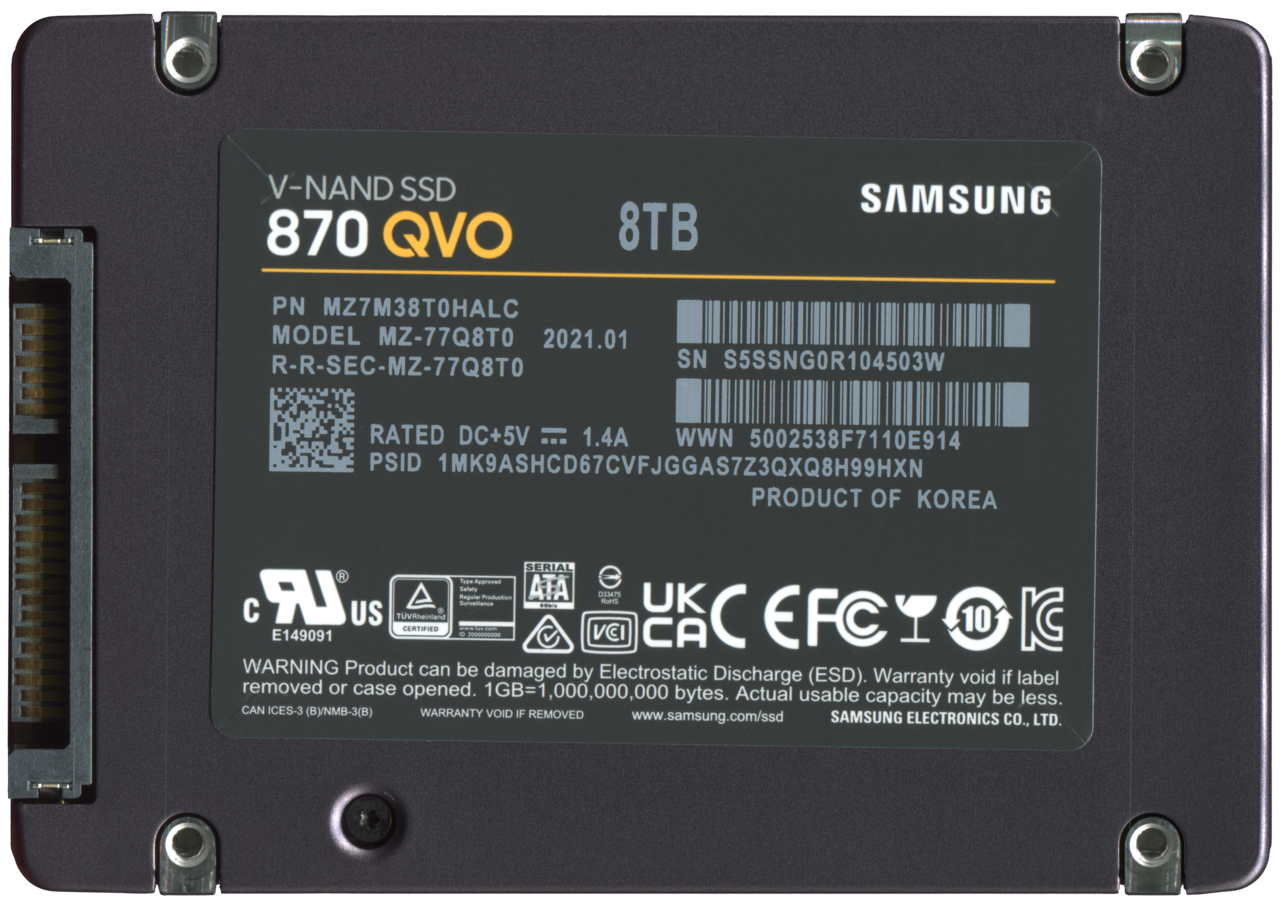
How an SSD stores data: controller, NAND flash and firmware
Explains the role of the controller, NAND flash cell types, firmware, interfaces, and endurance in solid-state drives.
How solid state drives work, the SATA and NVMe protocols, PCIe lanes and M.2 form factors.
SATA and NVMe: how the storage protocol shapes SSD speed
Compare SATA and NVMe interfaces, their performance limits, and how to check your SSD's protocol.

M.2 explained: keys, lengths and the common SSD sizes
Learn how M.2 SSD keys, lengths, and interfaces work and how to check compatibility.

PCIe Generations and Lanes: What Limits an NVMe SSD
Learn how PCIe generations and lane counts affect NVMe SSD performance and compatibility.

eMMC, UFS and SSD storage in Chromebooks and tablets
Learn how embedded eMMC, UFS and SSD storage differ, how Chromebooks manage space, and what microSD cards offer.
Bits per cell, endurance ratings, write amplification, SLC caching and how drives wear out.

SLC, MLC, TLC and QLC: how bits per cell change an SSD
Explains how the bits per cell in NAND flash (SLC, MLC, TLC, QLC) affect SSD density, endurance, and performance.
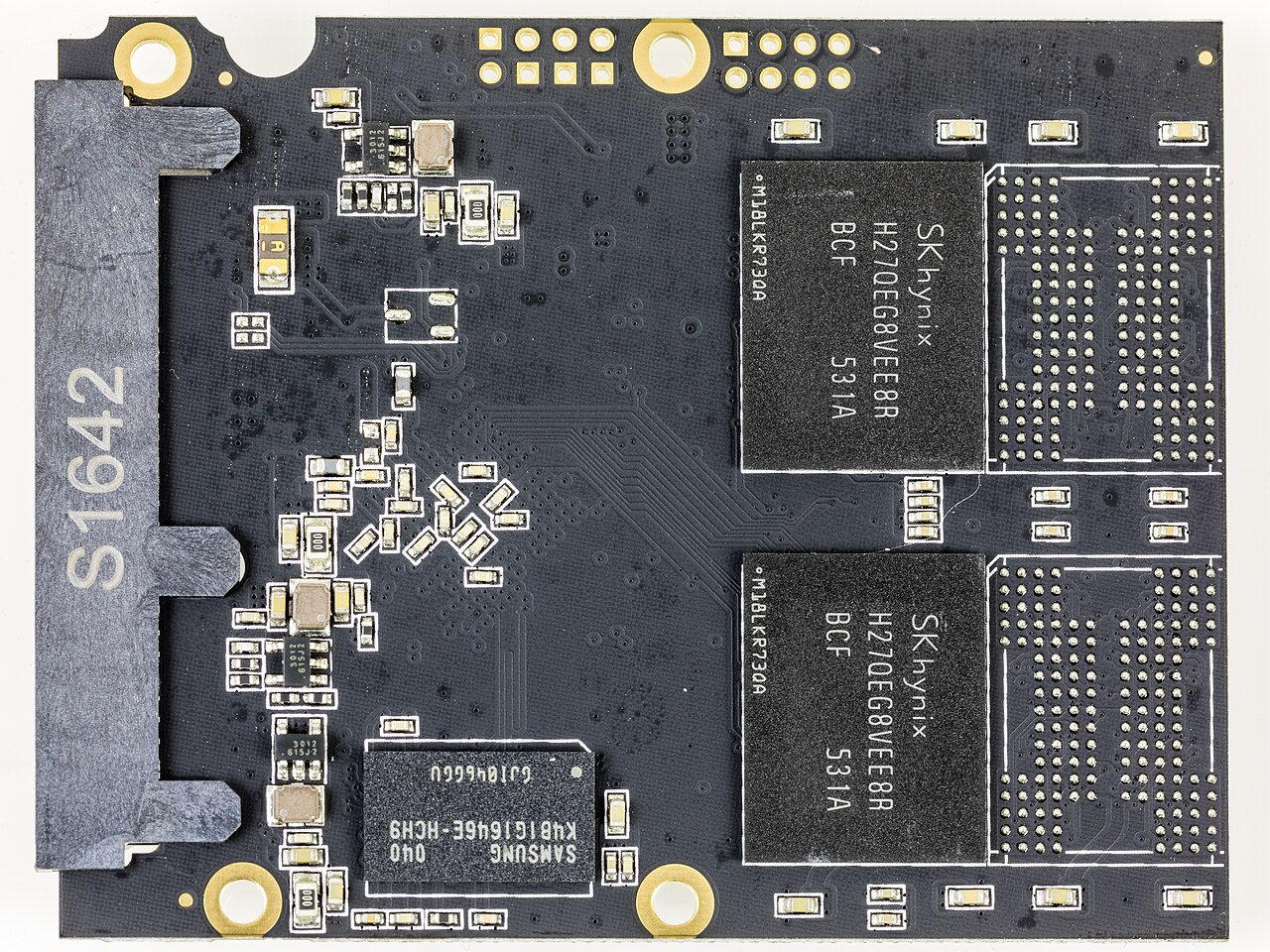
TBW and DWPD: How to Read an SSD Endurance Rating
Learn what TBW and DWPD mean, how they differ, and how to use them to choose an SSD.
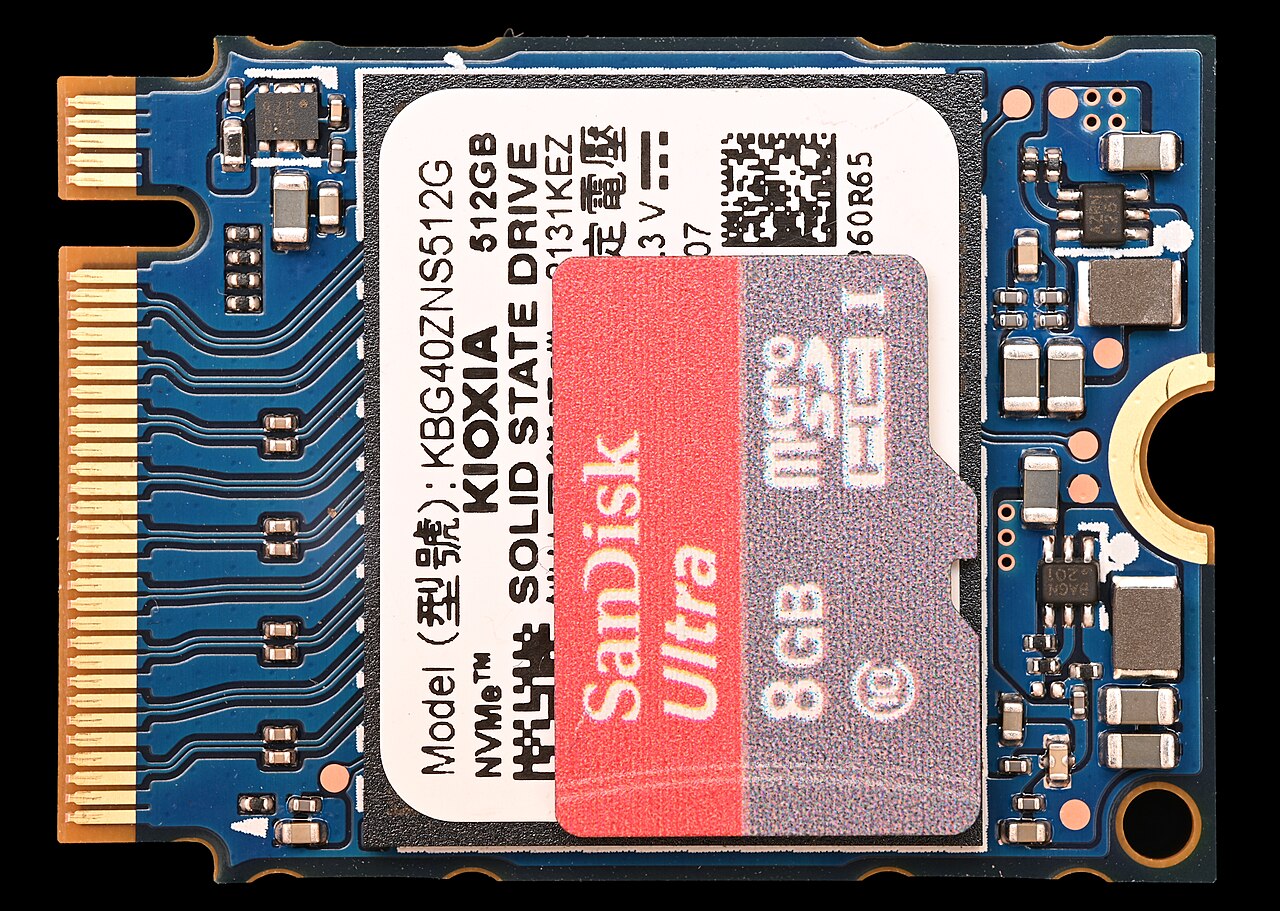
Write Amplification, Garbage Collection and Over-Provisioning
Learn how write amplification affects SSD endurance and how garbage collection and over-provisioning reduce its impact.

SLC caching: why SSD write speed can drop during long copies
Learn how SLC caching boosts SSD write speed and why sustained copies slow down once the cache fills.

How SSDs Fail: Wear, Data Retention and Power Loss
Explains how NAND flash SSDs wear out, lose data over time, and react to power faults, with field study findings.
Sequential and random speed, queue depth, heat, and how fast storage reaches games and apps.

Sequential and random performance: what MB/s and IOPS measure
Understand what sequential and random I/O performance mean for SSDs and how MB/s and IOPS metrics guide storage choices.
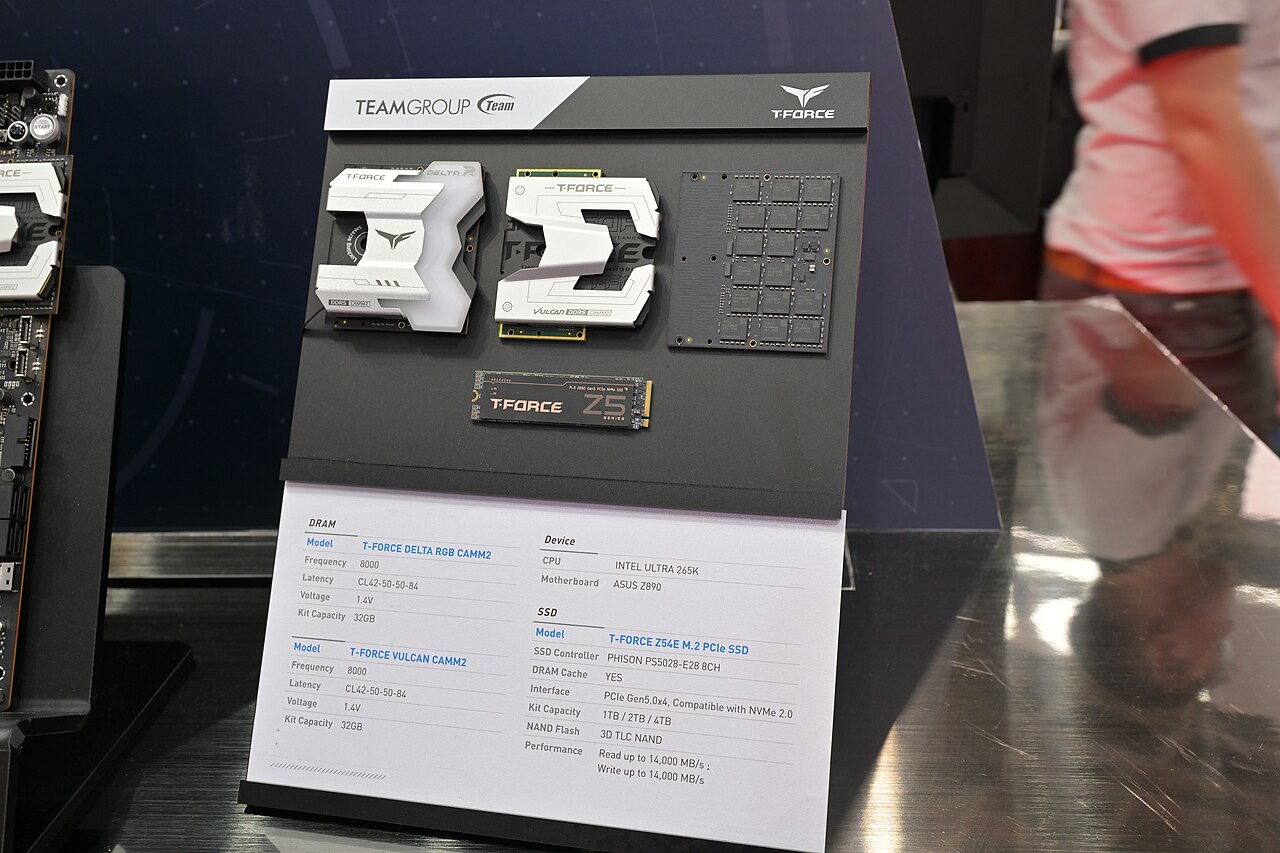
Queue depth explained: how SSD benchmarks load a drive
Learn what queue depth means in SSD benchmarks, how it affects performance, and how to read test results.

Thermal throttling and SSD heatsinks: how drives manage heat
How solid state drives avoid overheating through throttling and heatsinks, plus tips for checking drive health.

DirectStorage and game loading: how NVMe changes asset streaming
Explains DirectStorage, an API that lets games read NVMe drives with low CPU overhead, and how NVMe speeds up asset streaming.
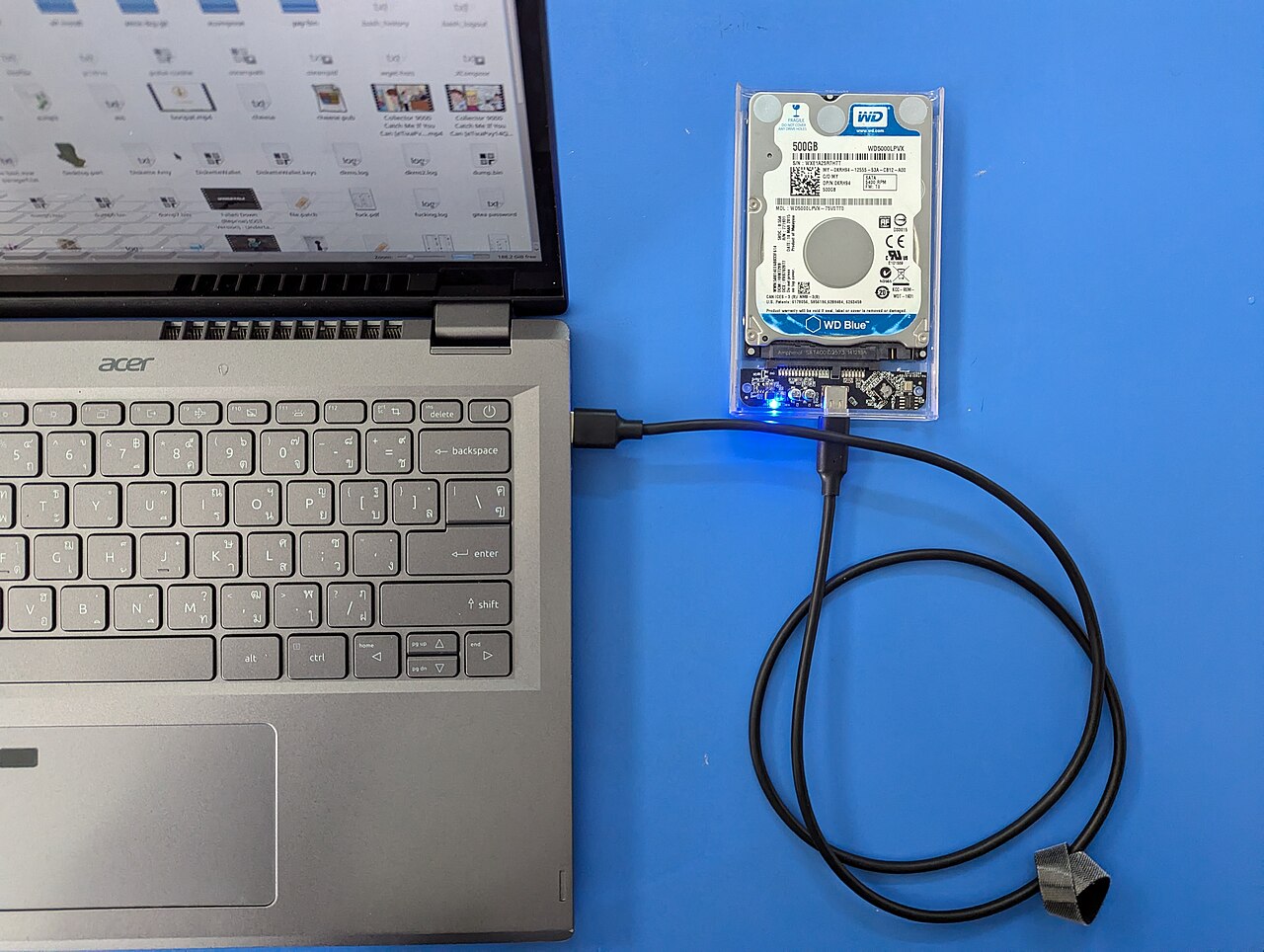
SSD vs hard drive: how flash and spinning disks differ in speed
Learn why solid state drives outperform hard disk drives: no moving parts, higher bandwidth, and modern interfaces like NVMe.
Fitting an SSD to laptops, desktops, consoles, cameras and external enclosures.

Upgrading a laptop SSD: form factor, interface and cloning
A practical guide to choosing a compatible SSD for your laptop, from M.2 sizes and keys to data migration.

Adding a second SSD: M.2 slots, SATA ports, and shared lanes
Check M.2 slot keys, SATA port availability, and chipset lane sharing before installing a second SSD, then initialize the drive in Disk Management.

Console and handheld storage: PS5 M.2 expansion and small SSDs
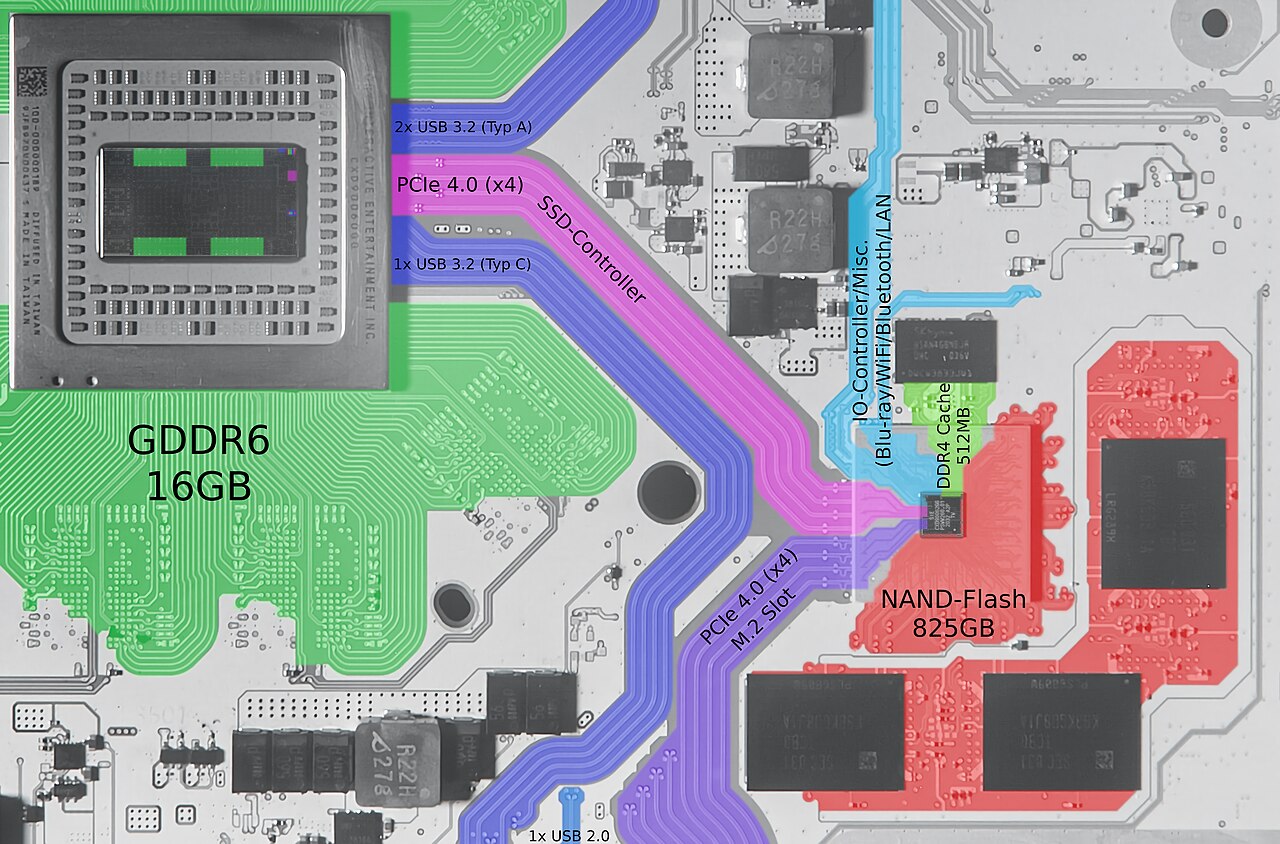
How to choose an M.2 SSD for PS5 and microSD for Steam Deck: interface, form factor, keying, speed, and installation steps.

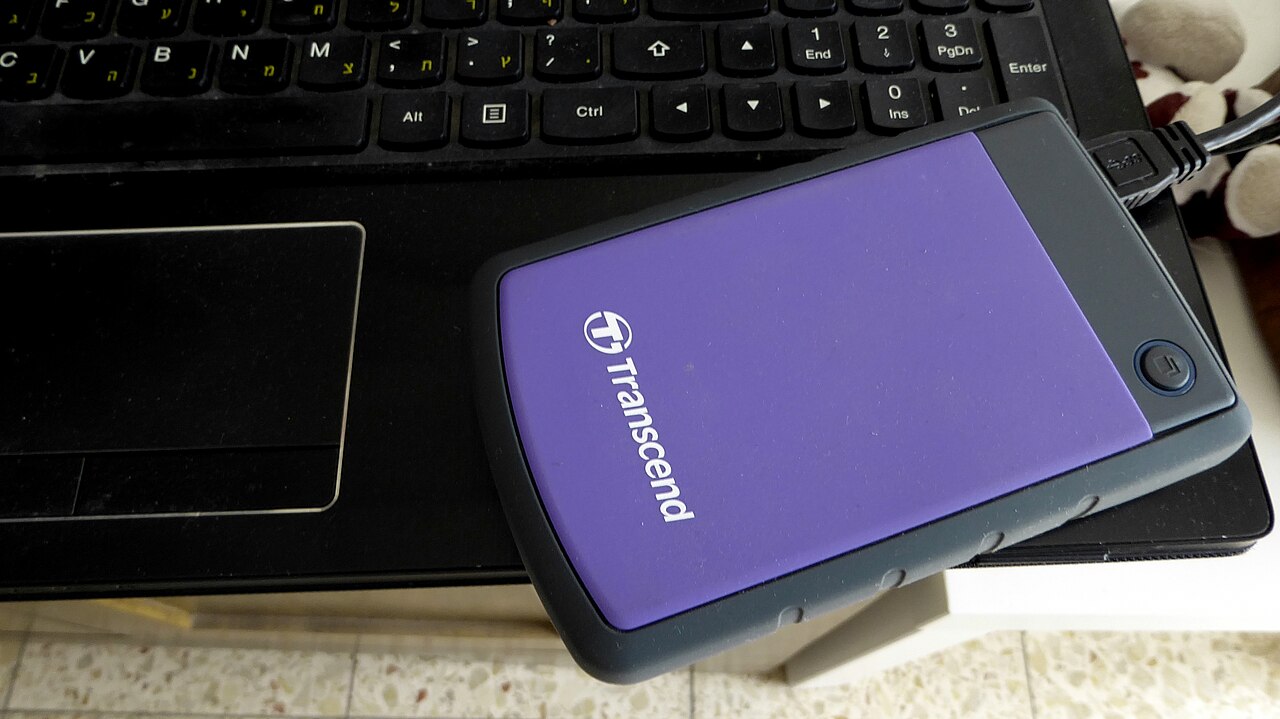
External SSDs: how USB 3.2, USB4 and Thunderbolt set the speed limit
A plain-language guide to how USB 3.2, USB4, and Thunderbolt define the maximum data rate for external solid state drives, and how to verify compatibility.
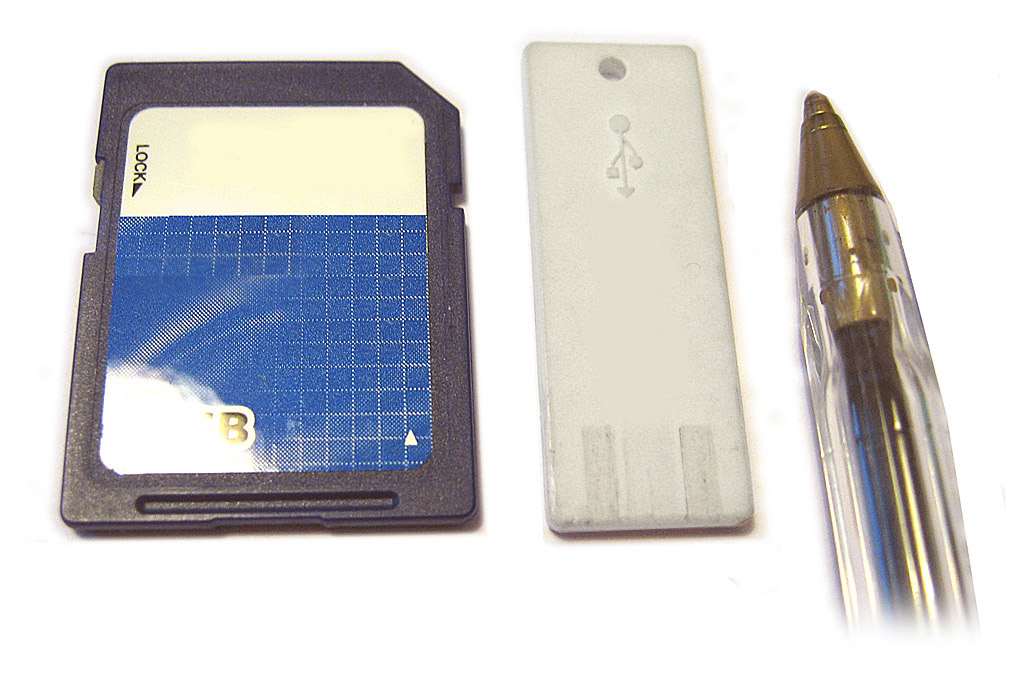
From camera card to SSD: SD and CFexpress speed classes
How SD and CFexpress speed class ratings ensure a camera card can sustain the transfer rates needed when offloading video footage to a computer or SSD.
TRIM, health monitoring, firmware, secure erase and backups for the life of a drive.
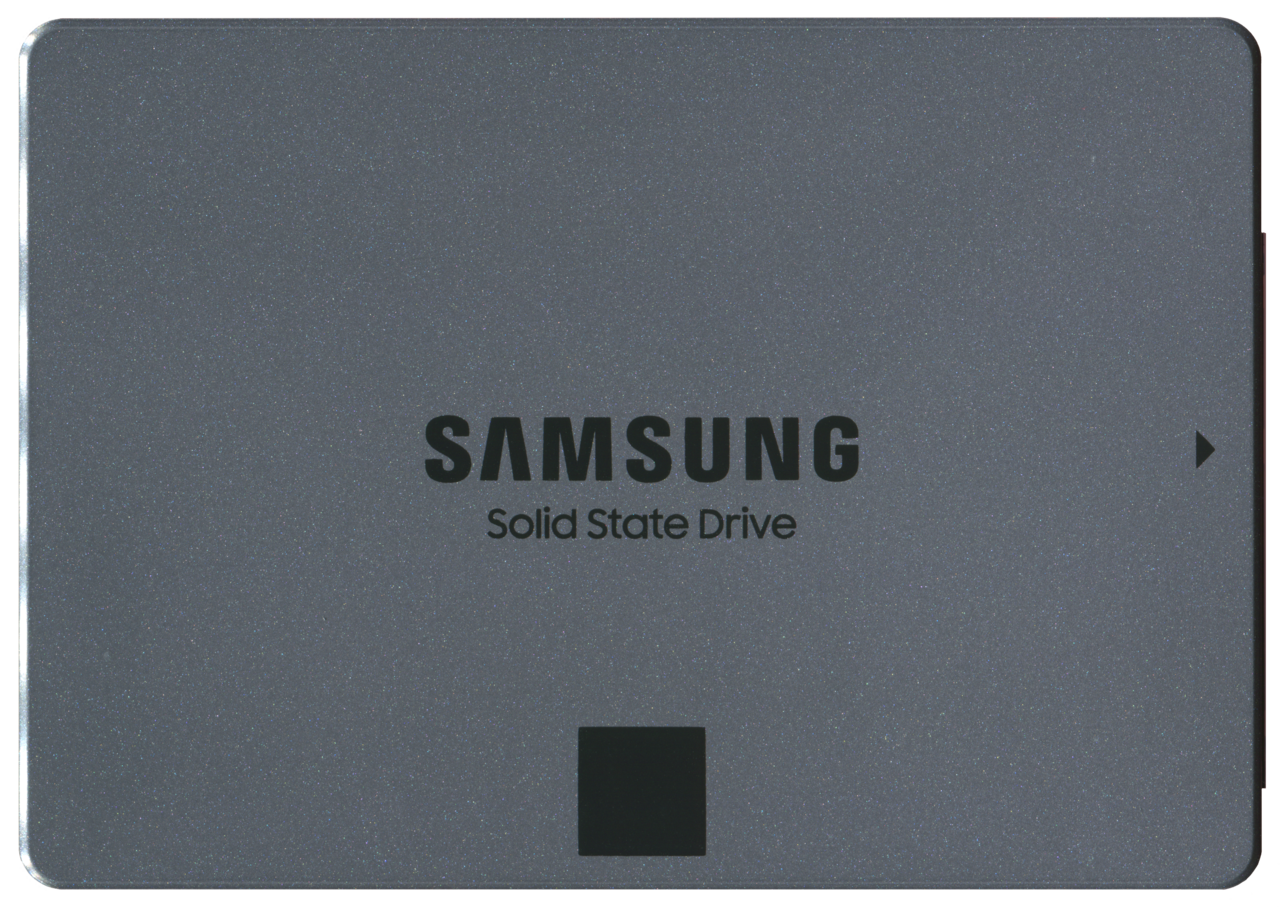
TRIM and garbage collection: keeping an SSD fast over time
How TRIM and garbage collection keep SSDs fast, including the underlying NAND flash mechanics and how to verify support on Windows, Linux, and NVMe.

Checking SSD health with SMART: attributes, wear and warnings
Learn how to check SSD health using SMART attributes, wear indicators, and warnings from tools like smartmontools, nvme-cli, and Samsung Magician.
SSD firmware updates: what they change and how to apply them safely
Learn what SSD firmware updates do and the safe steps to install them on Windows and Linux.

Erasing an SSD before reuse: secure erase, sanitize and crypto erase
Learn the differences between secure erase, sanitize, and cryptographic erase methods for solid state drives before reuse or disposal.
Backing up an SSD: copies, system images and restore tests
How to back up an SSD with file copies, full system images, and scheduled tests that verify restore works.