eMMC, UFS and SSD storage in Chromebooks and tablets
Chromebooks and tablets use embedded flash storage such as eMMC or UFS, or an SSD built from NAND flash. The choice affects speed and cost. Google's Chromebook tools help users monitor and free storage space, while microSD cards provide expandable capacity.
Embedded flash storage: eMMC and UFS
Chromebooks and tablets commonly store the operating system and files on embedded flash memory. As KIOXIA's UFS and e-MMC page explains, these devices integrate 3D flash memory and a controller in a single package. The controller handles error correction, wear leveling, address translation, and bad block management, which simplifies system design and lowers processor demands.
eMMC and UFS differ in interface speeds. The same KIOXIA page notes that UFS 5.0 uses MIPI M-PHY version 6.0 and UniPro version 3.0, supporting a theoretical interface speed up to 10.8 GB/s per device. That is significantly faster than typical eMMC solutions, making UFS common in high-end tablets and phones.
The NAND flash inside these devices comes in different cell types. According to Micron's NAND flash page, SLC stores one bit per cell and offers high performance and write endurance, while MLC stores two bits, TLC three, and QLC four, balancing density with endurance.
SSD storage and 3D NAND
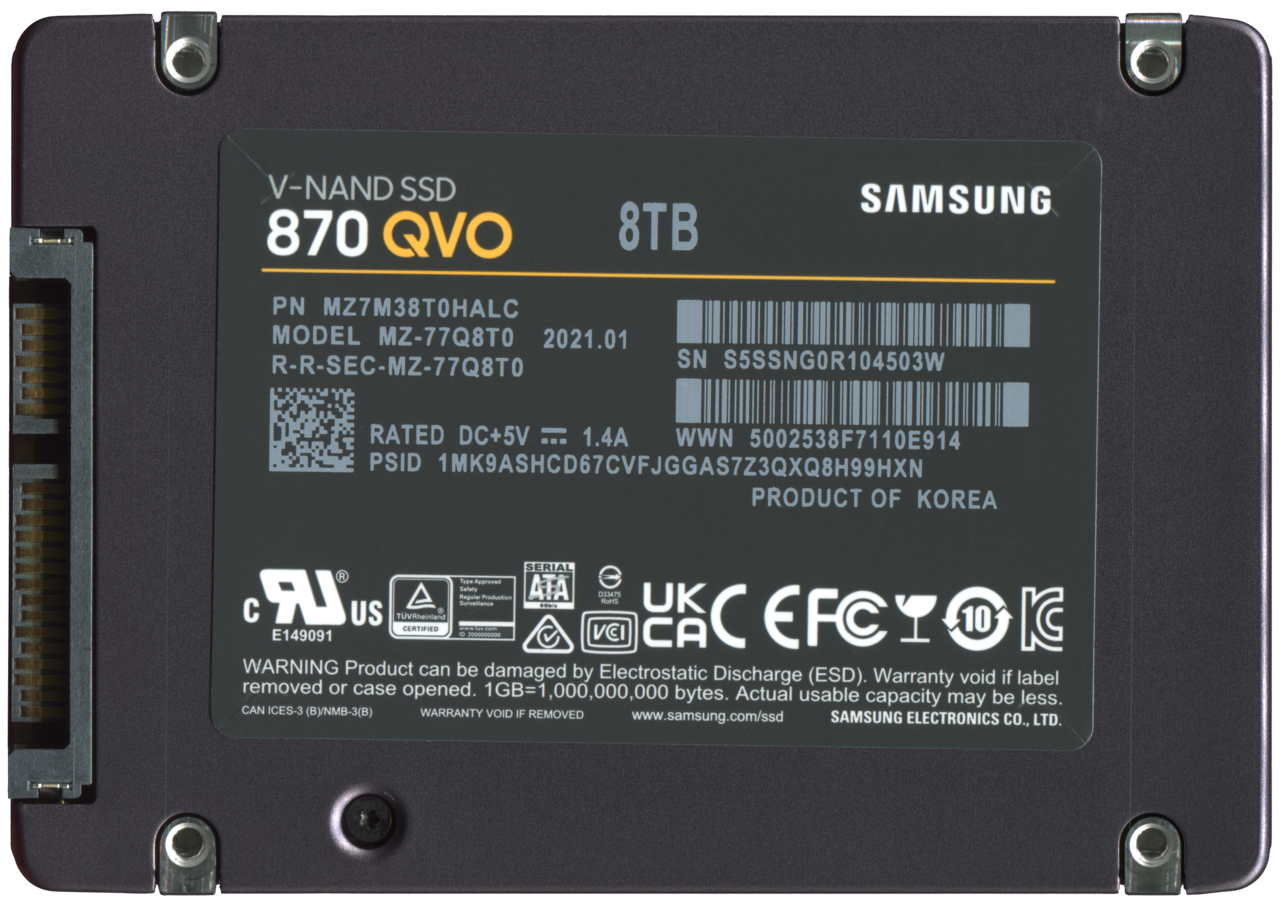
Larger Chromebooks may use a solid state drive, or SSD, instead of embedded storage. SSDs also rely on NAND flash. KIOXIA's BiCS FLASH page describes 3D flash memory as a vertical stacking process that increases memory cells per unit area, addressing demand for density and performance.
The page also notes that 3D flash memory generations are developed to meet specific requirements. For example, generation 8 applies technologies like CMOS directly Bonded to Array and On Pitch Select Gate to improve density, performance, and power efficiency.
Checking and managing Chromebook storage
Chromebooks provide built-in tools to monitor storage. The Chromebook Help page on freeing up space says users can open Settings, then Storage management, to see how much space is used by Downloads, offline files, browsing data, Android storage, and other users.
When space runs low, the same page recommends deleting unwanted files, clearing browsing data, uninstalling unused apps, and removing extra user accounts. It also warns that Chromebooks may automatically delete downloaded files, browsing data, and cache when storage is low.
For day-to-day file handling, the Chromebook Help page on opening and saving files explains that files are saved to the Downloads folder by default, which is temporary. Users can change the default location or choose Google Drive for cloud storage. Deleted files go to Trash and are permanently removed after 30 days.
For help comparing models and features, the Chromebook guides offer lists of devices and their specifications.
Expandable storage with microSD cards
Many tablets and Chromebooks accept microSD cards for extra storage. The SD Association's card choices page describes capacity families such as SD, SDHC, SDXC, and SDUC, and bus interfaces like UHS-I, UHS-II, and SD Express, which add PCI Express and NVMe interfaces.
The page also explains speed classes for video recording and an Application Performance Class for running smartphone apps. These classes assure minimum sequential and random performance levels, helping buyers choose a card that meets their needs.
| Type | Bits per cell | Trait | Typical use |
|---|---|---|---|
| SLC | 1 | High performance and write endurance | Mission-critical systems |
| MLC | 2 | Balance of performance and endurance | Cost-sensitive high-density applications |
| TLC | 3 | High performance for storage devices | PCs, data centers, mobile |
Frequently asked questions
What is the main difference between eMMC and UFS?
Both are embedded flash with an integrated controller, but UFS uses a faster interface. UFS 5.0 supports theoretical speeds up to 10.8 GB/s per device, as described by KIOXIA.
How can a user check Chromebook storage usage?
Open Settings, then Storage management, to see space used by Downloads, offline files, browsing data, Android storage, and other users, according to Google's Chromebook help.
What does the Application Performance Class for microSD cards indicate?
It assures minimum random and sequential performance levels for running smartphone apps, as explained by the SD Association.
What happens when files are deleted from a Chromebook?
Most files go to Trash and are permanently removed after 30 days, as stated in Google's Chromebook files help.