How an SSD stores data: controller, NAND flash and firmware
An SSD stores data in non-volatile NAND flash memory, organized into pages and blocks. A controller manages all reads and writes, translating logical addresses from the host into physical locations. Firmware coordinates wear leveling, garbage collection, and other housekeeping tasks that keep the drive performing reliably.
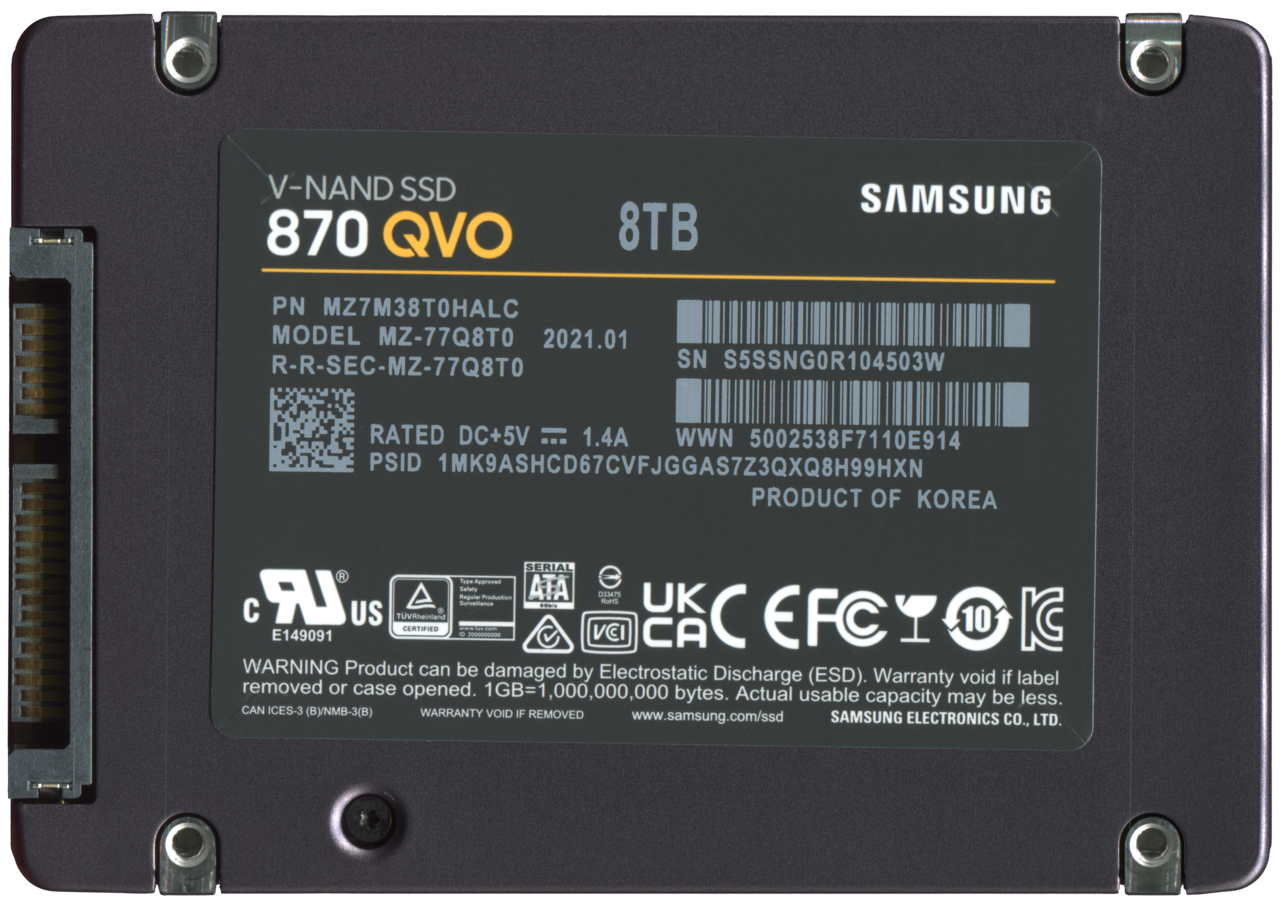
The Anatomy of an SSD
A solid-state drive (SSD) is a storage device that uses non-volatile memory to keep data, and it has no moving parts. The SNIA educational overview defines an SSD as a device that is generally smaller, more reliable, and more power efficient than a hard disk drive.
The core components of an SSD are NAND flash memory packages, a controller, and a host interface. NAND is packaged as stacks of dies, and the controller connects to these packages across multiple channels to read and write data in parallel.
Communication between the host and the SSD happens in logical blocks. The controller translates the host's logical block addresses into physical locations in the NAND, managing the mapping table that keeps the drive's internal organization hidden from the operating system.
NAND Flash Cell Types
NAND flash memory cells store data by trapping an electrical charge. A single-level cell (SLC) holds one bit, a multi-level cell (MLC) two bits, a triple-level cell (TLC) three bits, and a quad-level cell (QLC) four bits, as described on Micron's NAND page.
Storing more bits per cell increases storage density but generally reduces both performance and endurance. For this reason, most consumer SSDs use TLC or QLC, which offer a lower cost per gigabyte, while SLC remains for mission-critical systems where reliability matters more than capacity.
To reach higher capacities, NAND can be stacked vertically in a 3D architecture. KIOXIA's BiCS FLASH technology, for example, places memory cells in layers, which increases density and reduces cell-to-cell interference compared with planar NAND, according to KIOXIA's technology page.
The Controller and Firmware
The controller is the central processor of the SSD, handling all commands from the host. One of its key tasks is to write data in pages but erase it in blocks, a constraint that Solidigm's SSD vs HDD technical brief explains is fundamental to NAND operation.
Firmware running on the controller manages wear leveling to spread writes evenly across the flash, garbage collection to reclaim blocks filled with invalid data, and the TRIM command, which informs the controller that certain logical blocks are no longer in use. These background operations keep the drive performing consistently over time.
The controller also uses a portion of the NAND as overprovisioning, or spare area, to support these maintenance tasks. Additionally, consumer drives often employ a small SLC cache to accelerate bursty writes before data is moved to the slower TLC or QLC media.
Interfaces and Form Factors
SSDs communicate with the host using standardized interfaces. Modern drives typically use NVMe, which was designed for flash memory and offers low latency, while SATA and SAS remain for compatibility with older systems. The choice of interface significantly affects peak bandwidth.
Form factors define the physical size and connector. M.2 is common in laptops and desktops, U.2 is used in enterprise servers, and add-in cards fit standard PCIe slots. Each form factor has constraints on capacity and power that influence design.
SSD manufacturers group their products for different environments. Micron's SSD page lists families for data center, client, and automotive or industrial applications, each with distinct requirements for endurance, temperature range, and data protection.
Endurance and Performance
SSD endurance is finite and is commonly specified as terabytes written (TBW) or drive writes per day (DWPD) over the warranty period. The actual lifespan depends on the workload, including whether writes are random or sequential and how much free space is available for garbage collection.
Because SSDs have no mechanical parts, they provide much faster access to data than hard drives. A high-end NVMe SSD can deliver sequential reads exceeding seven gigabytes per second, far beyond what a typical hard disk drive achieves.
For workloads that require constant writes, such as databases, endurance is a primary consideration. Enterprise SSDs are built with higher endurance and power-loss protection, while consumer SSDs are designed for bursty, mostly read-oriented tasks, and can degrade quickly under heavy constant writes.
| NAND type | Bits per cell | Relative endurance | Relative performance |
|---|---|---|---|
| SLC | 1 | Highest | Highest |
| MLC | 2 | High | High |
| TLC | 3 | Moderate | Moderate |
| QLC | 4 | Lowest | Lowest |
Frequently asked questions
What are the main differences between SLC and QLC NAND?
SLC stores one bit per cell, offering the highest endurance and performance, while QLC stores four bits per cell, providing the highest density but the lowest endurance and speed.
How does the controller affect SSD performance?
The controller manages data placement and parallelism across NAND channels, and its firmware handles wear leveling and garbage collection, all of which influence sustained read and write speeds.
What is the TRIM command?
TRIM is a command from the operating system that tells the SSD which logical blocks are no longer in use, enabling the controller to reclaim those pages during garbage collection and maintain performance.
How is SSD endurance measured?
Endurance is usually expressed as terabytes written (TBW) or drive writes per day (DWPD) over the warranty period, but actual lifetime varies with workload and free space.


_(MZ-77Q8T0BW)_20211008_R%C3%BCckseite_SSD022corr.png)