SATA and NVMe: how the storage protocol shapes SSD speed
SATA and NVMe are two protocols that connect SSDs to a computer. SATA is a serial bus with a maximum of 6 Gb/s, while NVMe uses the PCIe interface to offer higher bandwidth and lower latency through parallel command queues. Understanding the protocol helps explain why NVMe drives outperform SATA drives.
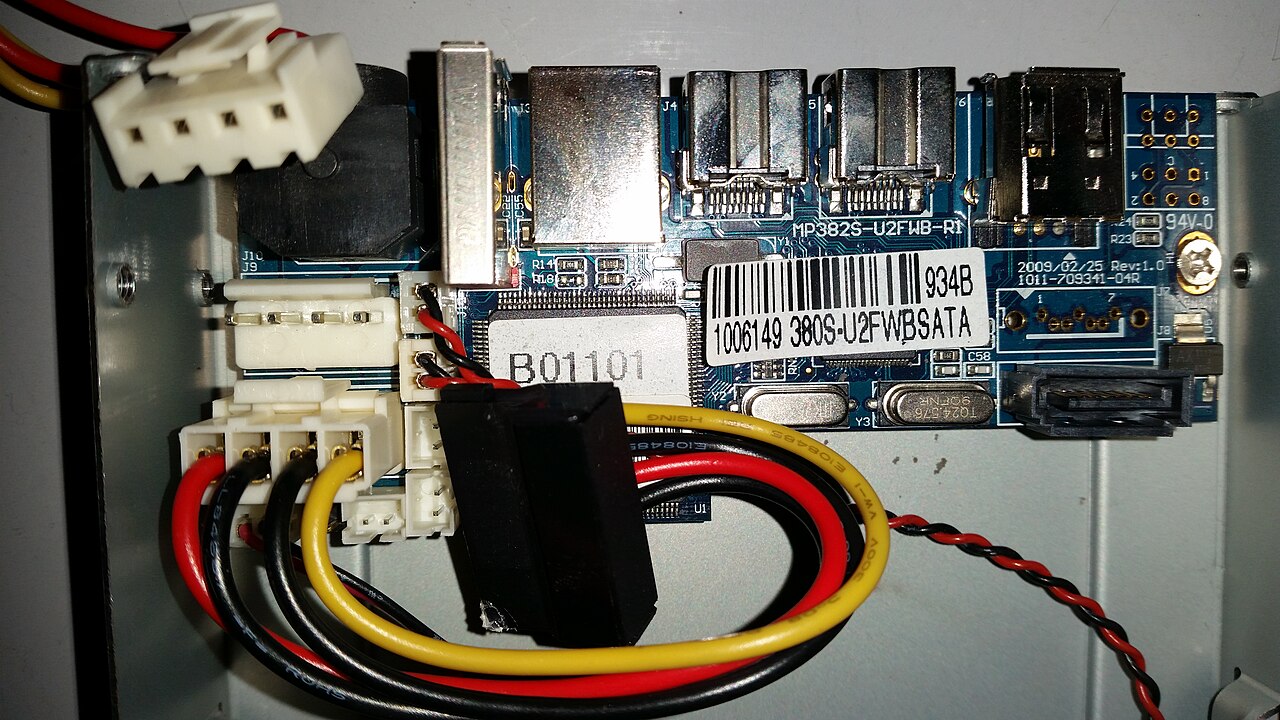
How SATA works
SATA is the de facto standard for PC storage, covering hard drives, solid state drives, and optical drives, as described by the SATA-IO home page. It evolved from the parallel ATA interface into a serial bus architecture, which removes electrical constraints that limited speed increases.
The SATA ecosystem page lists supported transfer speeds of 6.0, 3.0, and 1.5 Gb/s, and mentions Native Command Queuing (NCQ) as a feature that maximizes performance efficiency. SATA also supports advanced power management like DEVSLP.
SATA remains common in desktops and mobile PCs, and its ecosystem includes automotive, consumer electronics, and enterprise applications.
NVMe: a protocol for PCIe storage
NVMe, developed by the NVM Express consortium, is an open standard designed to expose the benefits of non-volatile memory. The NVM Express about page explains that NVMe is built from the ground up for high bandwidth and low latency, and it is widely used for PCIe SSDs.
According to the SNIA education page, NVMe is the most common host controller interface for PCIe-based devices. The base specification allows up to 64k I/O queues and up to 64k outstanding commands per queue, which scales well with multi-core CPUs.
The NVM Express specification set includes the base specification, management interface, command sets, and transport specifications, covering PCIe, RDMA, and TCP, as stated on the NVM Express specifications page.
Why NVMe outperforms SATA
Solidigm's article on transitioning from SATA to NVMe notes that NVMe removes the interconnect bottleneck. It reports that a single NVMe PCIe Gen4 drive can reach read bandwidth of 7 GB/s, which is far above SATA's 6 Gb/s limit. The Solidigm transition page also mentions over 5 times improved read performance.
The speed difference comes from the underlying transport: SATA is a serial bus with a fixed ceiling, while NVMe rides on the PCIe bus, whose bandwidth scales with each generation. NVMe's parallel queue architecture reduces latency compared to SATA's command queuing.
Higher capacities on SATA do not add speed once a drive saturates the interface, whereas NVMe drives gain performance with newer PCIe generations. This makes NVMe suitable for workloads like databases and large file transfers.
Checking your SSD's protocol
To identify whether a system uses SATA or NVMe, check the SSD form factor and the motherboard's specifications. SATA drives often use 2.5-inch enclosures, while NVMe drives commonly appear as M.2 cards. Many prebuilt computers list their storage interface in their technical details.
Utilities such as device managers or disk info tools can show the interface type. If a drive is labeled with "NVMe", it uses the PCIe protocol; if it is labeled "SATA", it uses the older serial ATA standard.
The choice depends on workload: SATA drives are still adequate for basic storage, while NVMe is preferable when speed matters most. Both protocols are widely supported in modern platforms.
| Feature | SATA | NVMe |
|---|---|---|
| Maximum transfer rate | 6 Gb/s | Up to 7 GB/s with PCIe Gen4 |
| Command queue support | Native Command Queuing (NCQ) | Up to 64k queues, 64k commands per queue |
| Host connection | Serial ATA bus | PCI Express |
| Management interface | Not specified | NVMe Management Interface (NVMe-MI) |
Frequently asked questions
What is the main difference between SATA and NVMe?
SATA is a serial bus interface with a fixed 6 Gb/s speed, while NVMe is a protocol that uses PCIe, offering higher bandwidth and lower latency.
Can an NVMe SSD be used in a SATA port?
No, they use different physical connectors and protocols, so they are not interchangeable.
What are ways to identify whether a SSD is SATA or NVMe?
Check the form factor and consult the motherboard manual; system utilities that display the interface type can also be used.
Does NVMe always outperform SATA?
Generally yes, but real-world performance depends on the specific SSD and workload; NVMe has higher theoretical limits.
Is SATA still useful?
Yes, for cost-sensitive builds and secondary storage, SATA SSDs are less expensive and sufficient for many tasks.


