SSD firmware updates: what they change and how to apply them safely
Firmware updates improve stability, performance, and compatibility, but they require careful handling. The process differs by operating system, with tools like Samsung Magician, nvme-cli, and fwupd. Always back up data before updating and never interrupt power during the process.
What firmware updates change
According to Samsung's firmware FAQ, firmware is a small program stored on the drive's chips that contains the commands needed to operate the device. Regular updates are needed to keep the firmware current and add improvements including operational stability and performance optimization.
Firmware updates also fix bugs and improve compatibility with host systems. They do not delete user data, but backing up data to another drive is strongly recommended because the process is not risk-free. Once an update is applied, it cannot be reverted to a previous version.
How to apply firmware updates safely
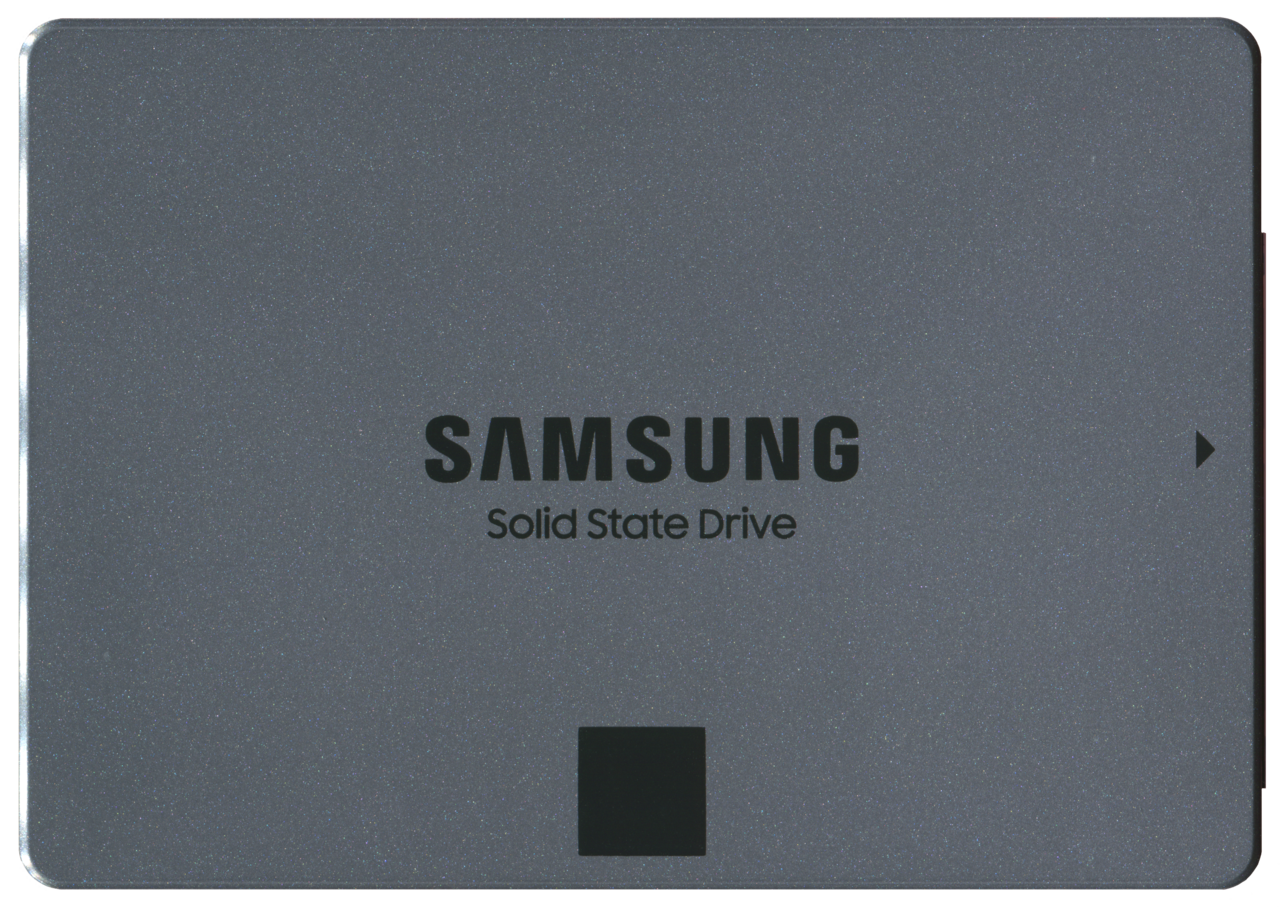
Samsung advises backing up all data to another drive and closing every running application except the update tool before starting. It warns not to turn off power during the update and not to attempt an update over an external USB connection. If the drive has RAPID mode enabled, the update cannot be performed until it is disabled, and a reboot is required afterward.
For a new SSD, it must be initialized and partitioned before the operating system can use it. Crucial's guide explains how to initialize an SSD in Windows, which is a prerequisite before installing any software or firmware.
For Samsung SSDs on Windows, the Magician software provides a streamlined update process and also offers drive health checks. Samsung Magician software is the official tool for managing these drives.
Update options for Linux and other platforms
Linux users often lack vendor-specific tools, so the LVFS introduction describes the Linux Vendor Firmware Service, a secure web service for vendors to upload firmware archives and for users to download metadata about updates. The fwupd daemon can query hardware and deploy updates, and GNOME Software can display and install them with user consent.
The nvme-cli project on GitHub provides a command line tool for managing NVMe devices, built on libnvme, and includes firmware update commands. It supports local drives and NVMe over Fabrics, making it a versatile tool for managing NVMe SSDs. the nvme-cli project
Firmware update commands and standards
Windows' StorNVMe command set support lists the NVMe admin commands supported by Windows, including Firmware Image Download (opcode 11h) and Firmware Commit (opcode 10h). These commands allow the operating system to send firmware to the drive and activate it.
The NVMe command set is standardized, which is why tools like nvme-cli and fwupd work across vendors. This standardization also lets the LVFS match updates to specific hardware via GUIDs, ensuring that only compatible firmware is offered.
| Step | Reason |
|---|---|
| Back up all data to another drive | Reduces risk of data loss if the update fails |
| Close all running applications except the update tool | Prevents software conflicts during the process |
| Disable RAPID mode if enabled | Firmware updates cannot be performed with RAPID mode enabled |
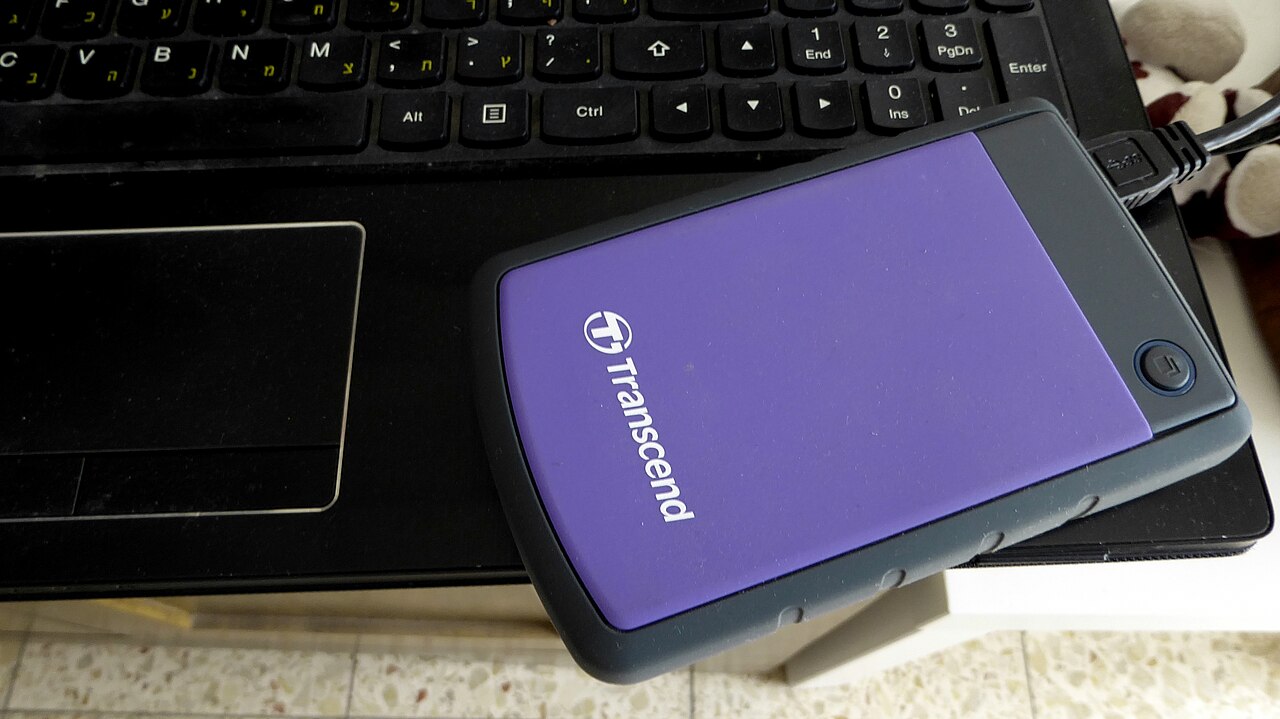
| Connect the drive via an internal connection, not external USB | External USB connections are not supported for firmware updates |
| Do not turn off power during the update | Interrupting power can damage the drive or leave it in an inconsistent state |
| Reboot the system after the update | Required to complete the process |
Frequently asked questions
Does a firmware update erase data on the SSD?
No, the update process does not erase user data, but backing up to another drive is strongly recommended to reduce risk.
Is it possible to downgrade firmware?
No, once firmware is upgraded, it cannot be reverted to a previous version.
What should a user do before starting a firmware update?
Back up data, close all applications except the update tool, disable RAPID mode if enabled, and connect the drive internally.
How can a user update SSD firmware on Linux?
Use the fwupd daemon with metadata from LVFS, or the nvme-cli command line tool for NVMe drives.

.jpg)