SSD vs hard drive: how flash and spinning disks differ in speed
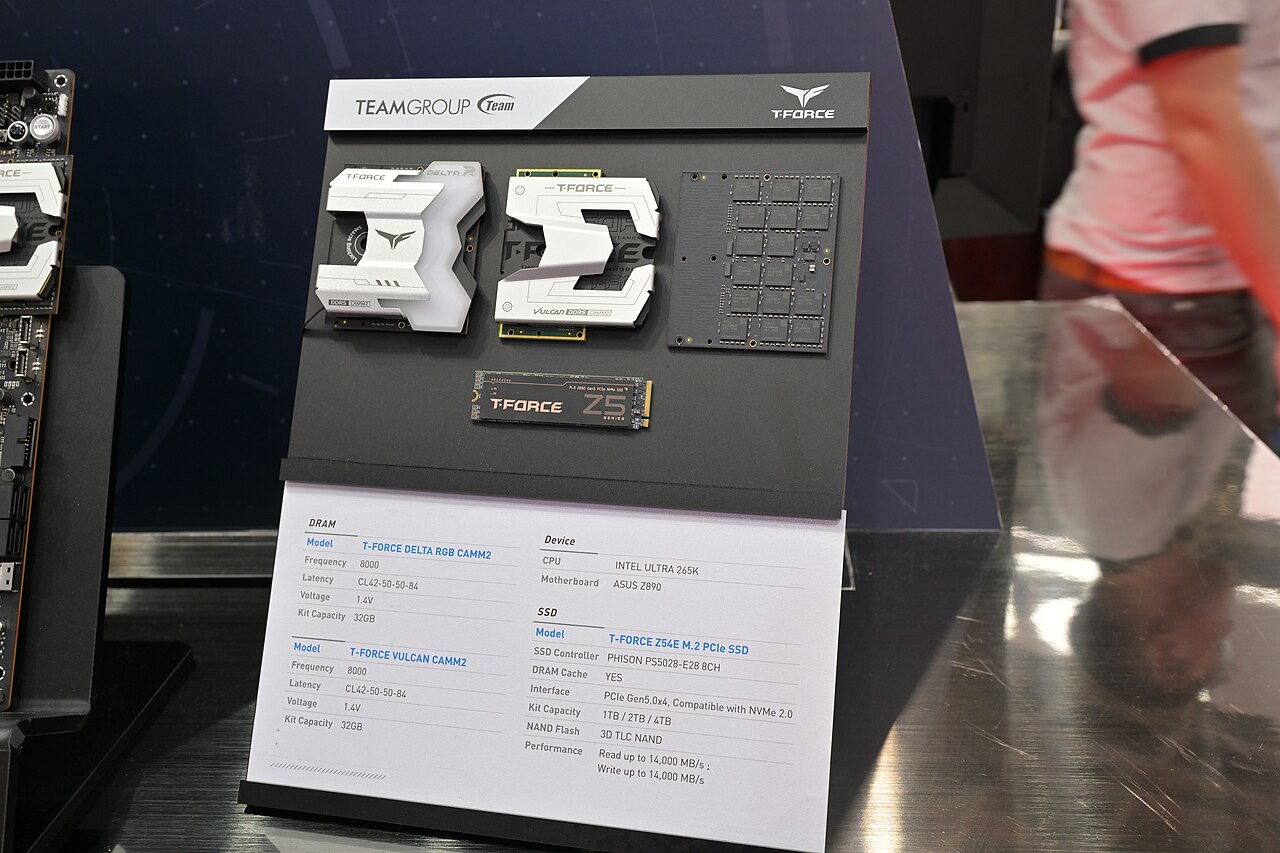
SSDs store data in NAND flash and have no moving parts, giving them much higher bandwidth and lower latency than hard disk drives. The drive interface, such as SATA or NVMe, also limits performance. This article explains the speed gap and when each drive type is the better choice.
Storage technology: flash versus spinning disks
A solid-state drive (SSD) stores data in non-volatile memory, typically NAND flash, and contains no moving parts. According to SNIA's SSD overview, most SSDs use NAND flash, which is organized into pages and blocks, and the SSD communicates with the host over interfaces such as NVMe, SATA, or SAS.
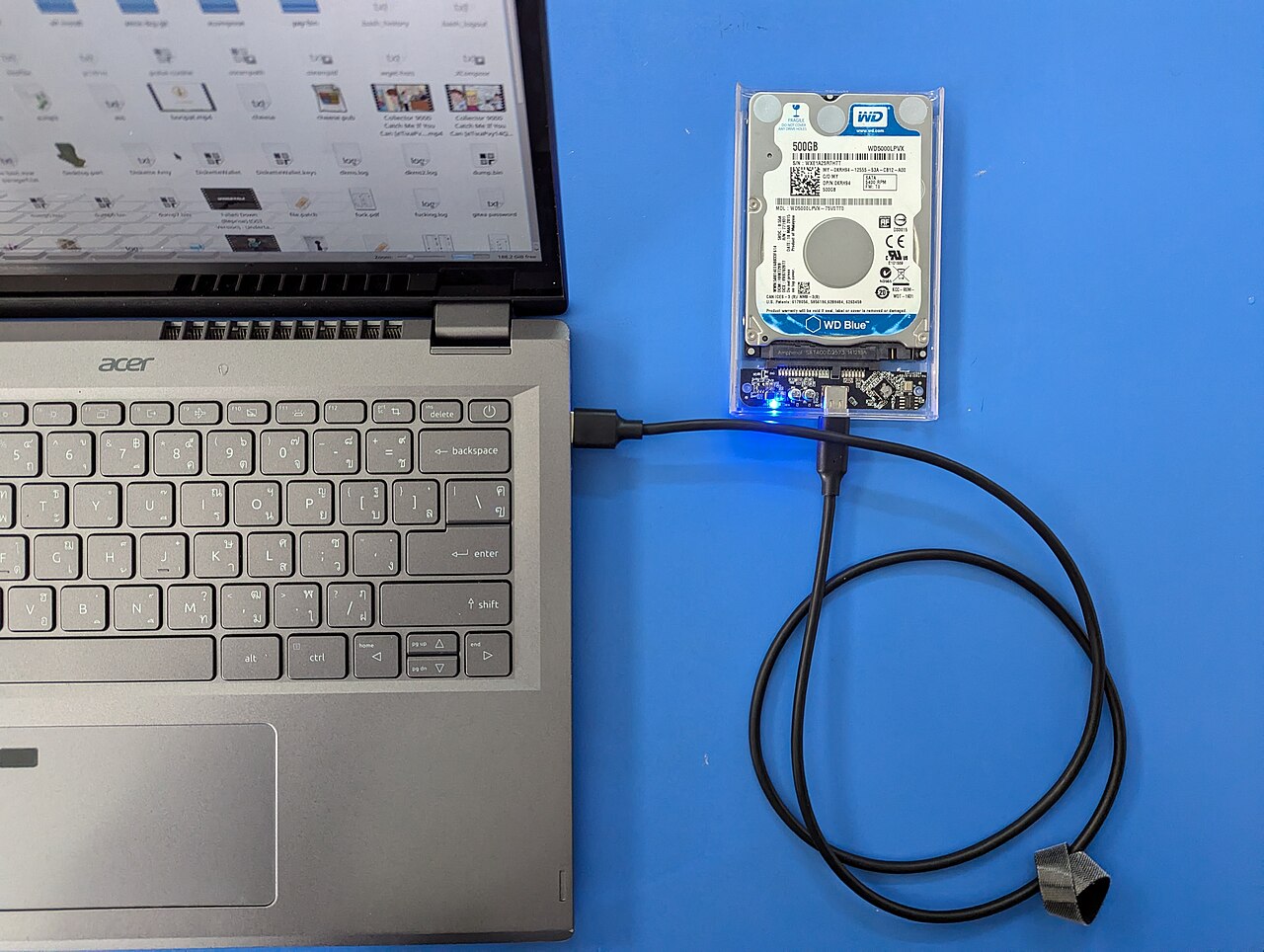
A hard disk drive (HDD) uses spinning disks and an arm with read/write heads that move across the surface. Solidigm's SSD vs HDD guide compares the mechanism to a turntable and reports that an enterprise SSD can achieve over 7000 MB/s bandwidth while a compatible HDD reaches only about 500 MB/s, a fourteen-fold difference.
Why SSDs achieve higher bandwidth
The absence of moving parts in an SSD eliminates the mechanical latency of seeking and rotation. Data is read directly from flash chips, and the controller can access multiple NAND channels in parallel, increasing throughput.
This parallelism means that an SSD can sustain high read and write speeds even under heavy workloads, whereas an HDD's performance drops as the head moves to different areas of the disk.
Interfaces: SATA, NVMe, and PCIe
The interface between the storage device and the computer sets a hard limit on transfer speed. SATA is a long-standing interface standard that serves HDDs, SSDs, and other devices, as described by the SATA International Organization.
NVMe is a newer protocol designed for flash memory and uses PCIe lanes for direct connection to the CPU. Solidigm's SATA to NVMe guide notes that a single NVMe PCIe Gen4 SSD can reach read bandwidth of 7 GB/s, which is comparable to what up to a dozen SATA SSDs would provide.
Endurance and real-world reliability
SSDs have a finite endurance, meaning they can only accept a certain amount of writes before failing. Endurance is often expressed as terabytes written (TBW) or drive writes per day (DWPD). Backblaze's drive statistics provide real-world failure rates for both HDDs and SSDs from their data centers.
Although HDDs are slower, they are still used for infrequently accessed data because they offer lower cost per terabyte. The speed difference matters most for workloads that require rapid access, such as operating systems, databases, and real-time analytics.
| Attribute | SSD | HDD |
|---|---|---|
| Moving parts | None | Spinning disks and moving heads |
| Typical interface | NVMe or SATA | SATA |
| Example peak bandwidth | Over 7000 MB/s | About 500 MB/s |
| Endurance measure | TBW or DWPD | No standard endurance metric |
Frequently asked questions
Why is an SSD faster than an HDD?
SSDs lack moving parts and read data directly from flash chips, avoiding the mechanical seek and rotational delays that slow down hard disk drives.
What is the role of the interface in SSD speed?
The interface sets the maximum transfer rate between the drive and the computer. NVMe over PCIe provides much higher bandwidth than the older SATA standard.
How long do SSDs last?
SSDs have a finite write endurance, usually specified in terabytes written (TBW) or drive writes per day (DWPD). Real-world failure rates are tracked by sources such as Backblaze.
Is an HDD still useful for backups?
Yes, for infrequently accessed data such as backups and archives, HDDs offer a cost-effective option despite their lower speed.
What does NVMe stand for?
NVMe stands for Non-Volatile Memory Express, a protocol designed specifically for flash-based storage to exploit the parallelism of NAND.